






















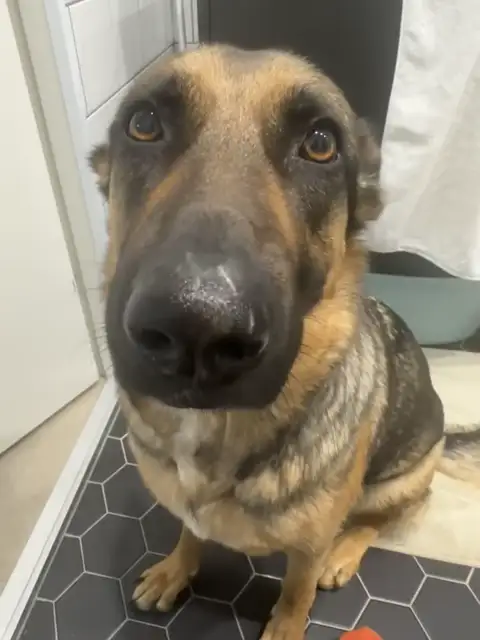
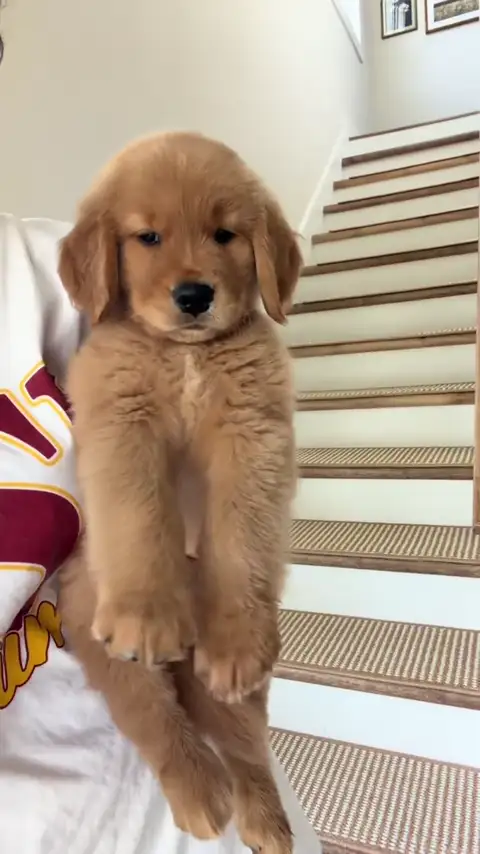

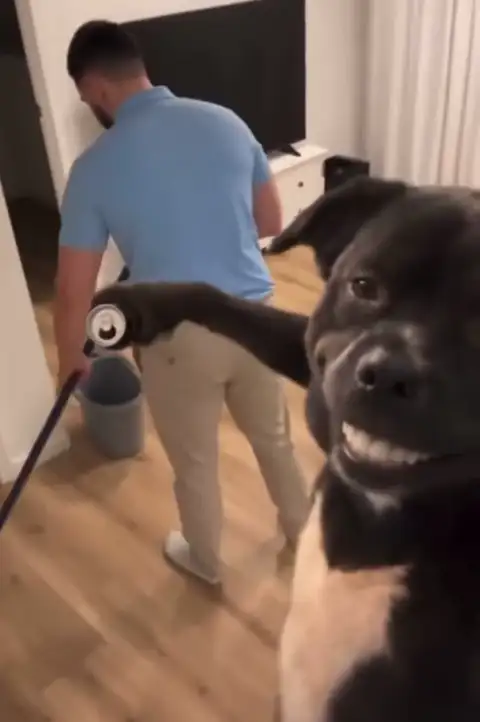
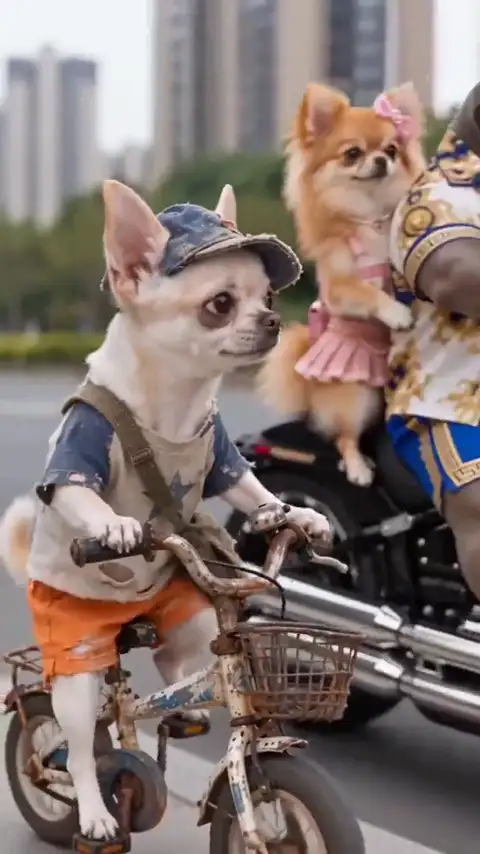








1 video
One full-length creation. No subscription.
$5.99
$5.99 per video
- 10-second vertical MP4 · 720p export
- Any trend or studio original
- One clear subject per video
- No watermark
10 credits, never expire
 Peanuts AI
 turns one clear photo into a short trend video. Pick a clip, add your photo, and create your own version. No prompts or editing needed.
1 free preview video on sign-up · No prompt · 5-second vertical 9:16
Same clips as Trends, sorted by scene.
Choose a trend, add a photo, and create a new video starring your subject. No prompts or editing needed.
Browse the library and choose a video trend you like.
Add one clear photo of your subject.
Download your new vertical video, ready to share.
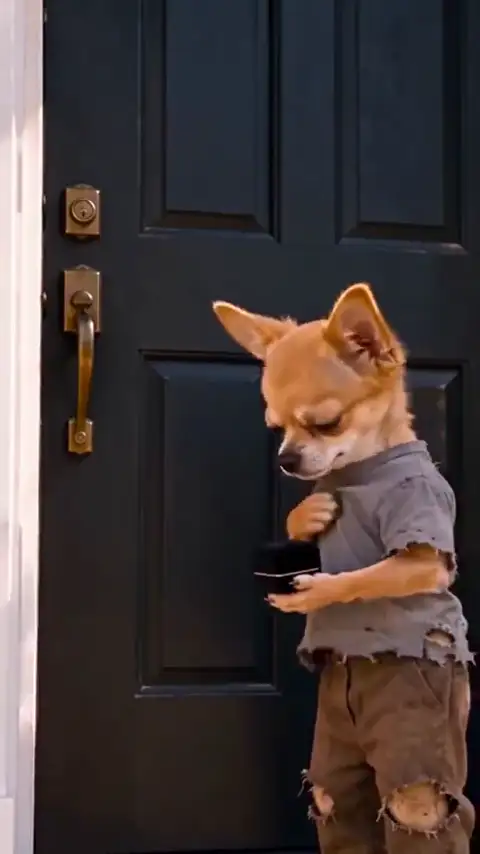
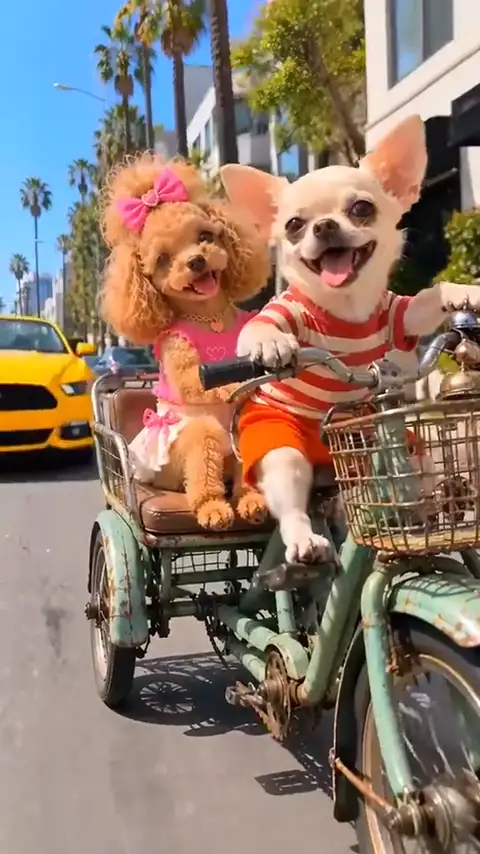
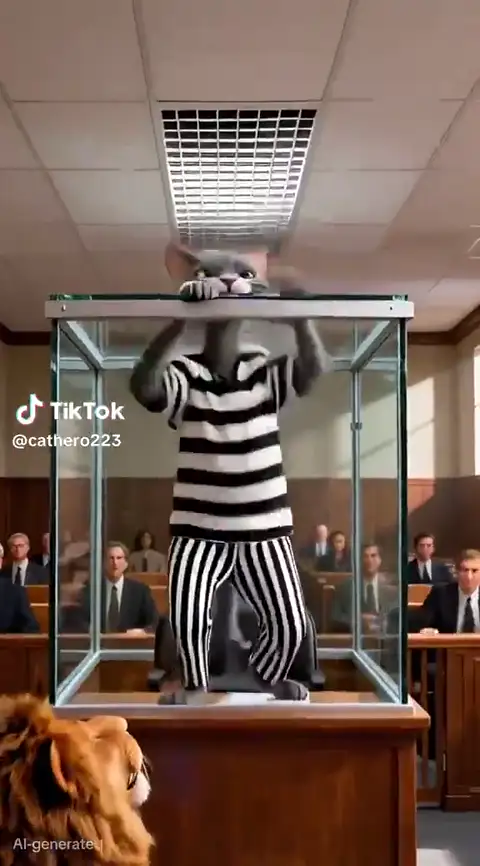
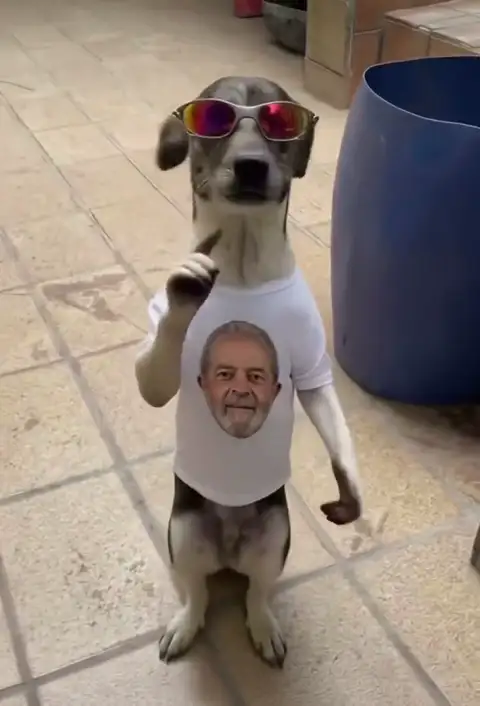
Explore trend clips from our collection, with credit to their original creators.
Start with 1 free 5-second 9:16 preview on a verified new account — no watermark. Paid videos are 10 seconds at 720p for 10 credits; failed renders return credits.
Seedance 2.0 Fast
Seedance 2.5
One full-length creation. No subscription.
$5.99
$5.99 per video
10 credits, never expire
Fresh videos every month, with flexible billing.
$12.99/month
Save $4.98 (28%)$4.33 per video
30 credits each paid month; unused credits expire at period end. Cancel anytime
The lowest price per video for regular creators.
$129.99/year
Save $85.65 (40%)$3.61 per video
360 credits each paid year; unused credits expire at period end. Cancel anytime
Savings are compared with buying the same number of one-time videos. All paid plans use the same model.
Secure checkout. Failed renders refund their credits. Refund policy
Pick a trend, add one photo, and get your video. New accounts get 1 free preview video.
Peanuts AI is an image to video AI tool. It turns one clear photo into a short video inspired by a trend you choose. Pets are a popular use; portraits, selfies and other single subjects are welcome.
No. Choose a trend and upload your photo. We handle the rest.
One clear photo with one main subject works best. Pet photos are the most common, and portraits, selfies and other single subjects are supported; results vary with angle, lighting and the template.
Use one clear photo with a single main subject, facing the camera where it makes sense, in focus, and evenly lit. Avoid heavy filters, tight crops and photos where another subject overlaps yours.
Yes. Sign in with Google or an email code — no password, no credit card. Verified new accounts start with 10 credits, enough for one free preview video.
Usually three to eight minutes. You can close the tab; a signed-in account gets an email when the video is ready.
The result is AI-generated rather than a real recording, so fine details can vary, even with a clear photo.
A one-time video costs $5.99 (10 credits). Monthly is $12.99 for 3 videos, and yearly is $129.99 for 36. Preview credits are valid 30 days, paid one-time credits never expire, and subscription credits expire at the end of the paid billing period. Failed renders return credits.
The credits for that job go back to your balance automatically. You can retry the same photo or pick another trend.
Your photo is used only to generate the videos you request. Results are private by default; a video is visible to others only after you share its link.
Yes, for personal social posts. Use only photos you own or have permission to use, and label AI-generated clips where the platform asks you to. Do not use a trend to impersonate a real person, or upload a photo of a person or pet you do not have permission to use.
Personal use is fine. For brand, advertising or client work, contact us first so we can confirm the right plan and provider terms.
1 free preview video on sign-up, no watermark, no credit card.