 Peanuts AI
How to put your pet in a video
You do not need to film anything. One clear photo is enough to replace the character in a short template clip with your dog or cat. Here is the photo checklist, how the replacement works, and which template to pick first.
The short version
- Pick any clip from Trends or Templates — every scene is remakeable with one pet photo.
- Upload a single photo where your pet faces the camera and its head, shoulders and chest are visible.
- Confirm you own the photo, then generate. The finished clip follows the template’s motion and camera.
The photo checklist
- One pet, one photo. Group photos and screenshots confuse the replacement; the model needs a single clear subject.
- Face the camera. A front or three-quarter view keeps the eyes, muzzle and markings readable. A pure profile is the hardest angle.
- Show the head, shoulders and chest. Templates frame the character from the chest up at some point, so a tight face crop leaves the model guessing.
- Use daylight or a bright room. Avoid harsh backlight, heavy filters and deep shadows.
- Keep the natural look. Hats, sunglasses and costumes that hide the face make the likeness worse, not better.
- At least 160 pixels on the short side. Phone photos are fine; a small avatar or a compressed meme is not.
How character replacement works
Each template is a short clip with a character already moving inside it. The model reads the motion, framing and camera path from that clip, then renders your pet as the character. The result is generated footage, not a recording of your pet, so the background and timing come from the template while the face and fur come from your photo.
A verified new account starts with 10 trial credits for one free five-second preview. A paid recreation costs 10 paid credits and produces a ten-second video. If a render fails, the credits return automatically.
Which template should you pick?
Start with any clip on Trends or the sorted shelf on Templates. Each has a remake page with photo tips. The three studio scenes below are a simple first try if you want a short, clear motion.
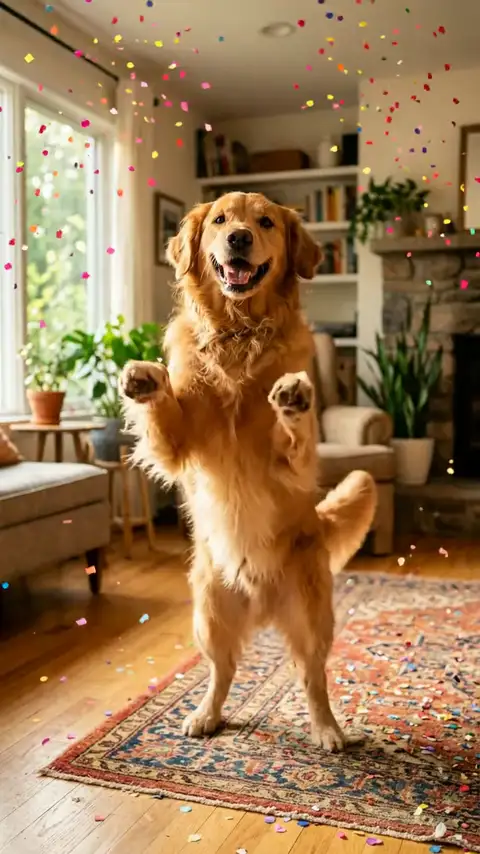
Disco Paws
Playful, loud, made for group chats.
The pet dances on its hind legs under a mirror ball while confetti falls.
Best photo: A front-facing photo with the chest visible, taken at eye level.
Template details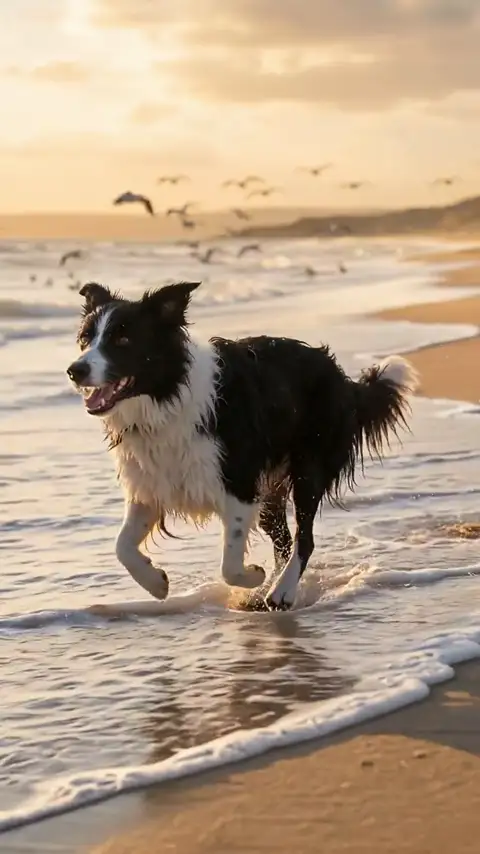
Beach Day
Warm, cinematic, golden hour.
The pet runs along the shoreline while the camera tracks alongside.
Best photo: A photo where the pet’s head and shoulders are clear and not backlit.
Template details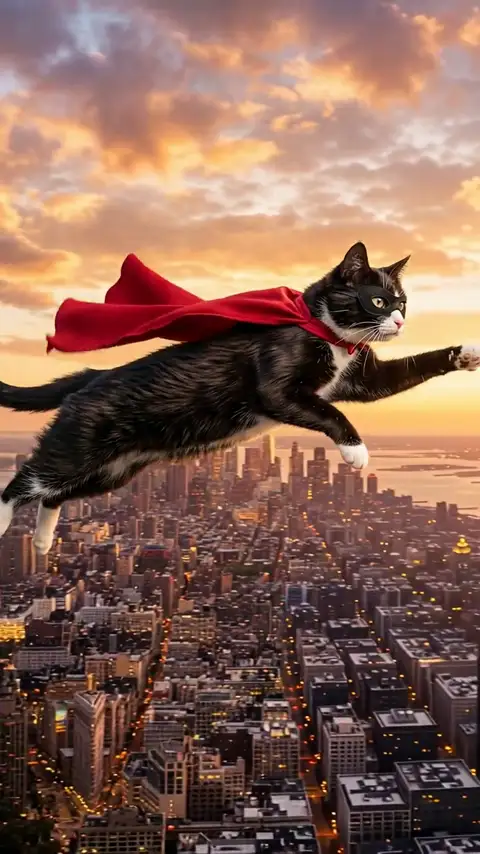
Super Pup
Funny, dramatic, superhero energy.
The pet flies over a city at sunset with a cape streaming behind.
Best photo: A photo with the full head and neck visible; avoid hats or costumes that hide the face.
Template detailsCommon questions
Do I need to film my pet?
No. You only need one still photo. The motion, camera move, background and timing come from the template clip; your photo supplies the character.
Does the result keep my pet’s markings?
The model keeps breed, face, eyes, fur colours and markings as closely as it can. Thin patterns, unusual markings and profile angles can drift, so a clear front-facing photo gives the best chance.
Can I use my own video as a template?
Not in the current build. Every clip in Trends and Templates can be remade with your pet photo — studio scenes plus the curated remake pages. Custom uploads need a rights check and a different queue, and are not currently supported.
What happens if the render fails?
The credits for that job go back to your balance automatically. You can retry the same photo or pick another template.
Try it with your pet
Pick a trend, upload a photo, and download the clip. 1 free preview video on each new account.